Resources
概述
本文档介绍了WordPress设计团队使用Figma进行协作和资源共享的方式,包括如何利用WordPress Figma设计库进行贡献。它提供了学习Figma的资源指南,涵盖文件、项目和组件的使用,以及如何启用WordPress组件库。
关键要点
- WordPress设计团队使用Figma进行协作,贡献者可通过WordPress Figma设计库制作原型。
- Figma账户免费,可使用共享库中的组件或复制文件进行编辑;完整编辑权限需付费并限于设计团队。
- 文档包含学习Figma的资源,如入门教程、文件和项目使用指南、组件学习以及如何启用WordPress组件库。
- WordPress Figma库中的组件与React组件对应,相关贡献文档即将发布。
- 如有疑问,可在WordPress社区Slack的#design频道寻求帮助。
代码示例
无具体代码示例。注意事项
- 完整编辑WordPress库的权限需付费,仅设计团队可访问。
- WordPress组件库的贡献指南即将发布,请关注更新。
Figma
The WordPress Design team uses Figma to collaborate and share work. If you’d like to contribute, you can use the WordPress Figma design library to make mockups. You can also join the #design channel in Slack and if you’d like to ask for advice or otherwise. Figma accounts are free, and with one you can use components from the shared libraries, or duplicate files to your draft if you need to make edits. Full edit access to the WordPress libraries is paid and reserved for the design team.
How to contribute
Resources for learning how to use Figma
Top Online Tutorials to Learn Figma for UI/UX Design
Learning how to use files and projects
Getting started with Figma files and projects
Learning how to use components
Getting started with components
Learning how to use WordPress Figma libraries
How to turn on the WordPress Components library in Figma
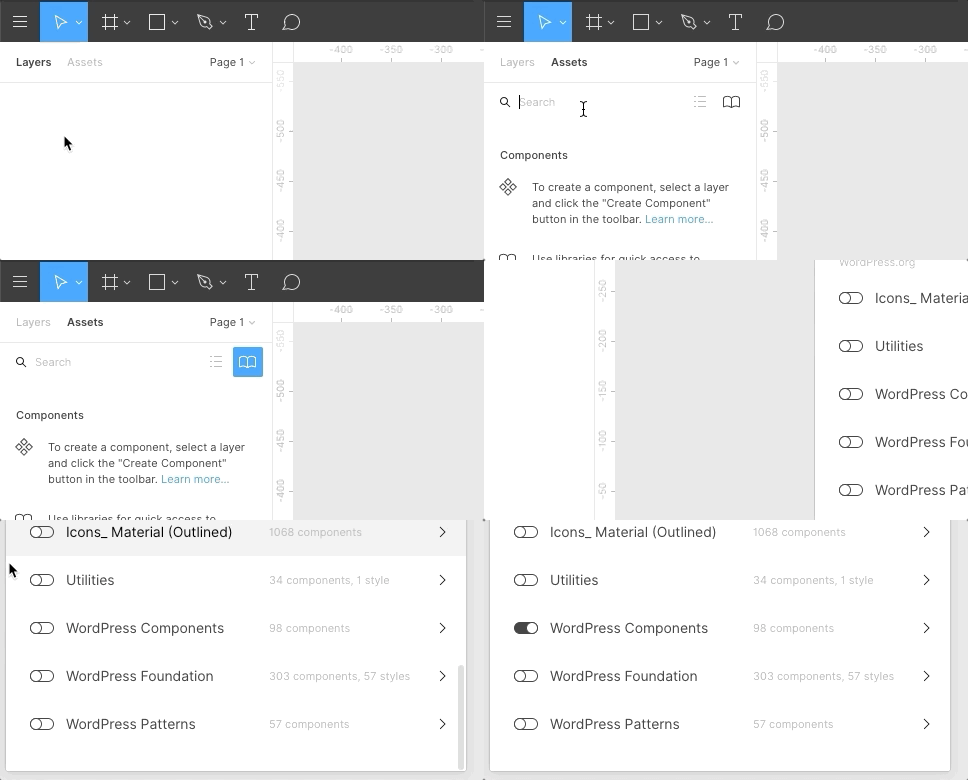
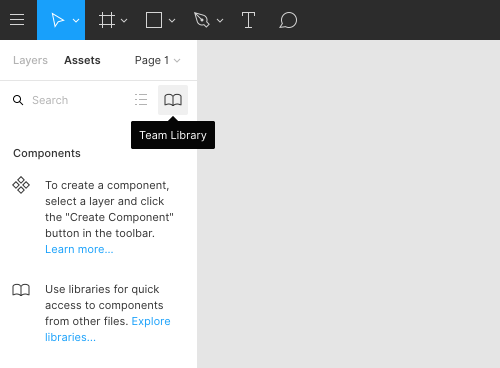
- Click the Team Library icon in the Assets Panel:
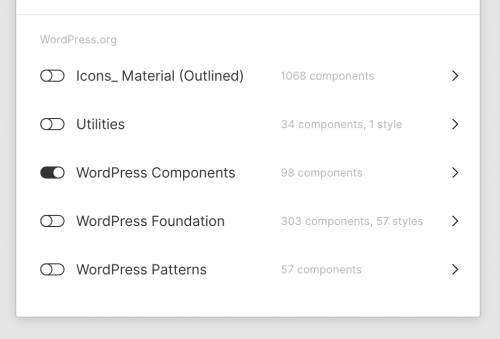
- The Library modal will open and allow you to view a list of available libraries. Toggle to Enable or Disable a specific library:
How to refine or contribute to the WordPress components React library (Coming soon)
WordPress components in Figma mirror the live React components. Documentation for how to refine or contribute to WordPress components in React is coming soon.
If you have questions, please don’t hesitate to ask in the #design channel on the WordPress community Slack.