特殊用户角色与权限
概述
本文档介绍了 WordPress 插件目录中的四种特殊用户角色:所有者、提交者、支持代表和贡献者,以及它们各自的权限和管理方式。所有角色均可通过插件页面的高级视图部分进行管理。
关键要点
- 每个插件贡献者或支持人员必须拥有独立的个人账户,账户名称无需实名,但需由单个人使用以确保安全。
- 所有者是插件提交者,自动获得提交者权限,可通过危险区域部分转移所有权,但需确保新所有者拥有提交权限。
- 提交者拥有通过 SVN 推送代码的权限,可向插件目录团队提出正式请求,并管理其他用户的提交权限。
- 支持代表在论坛中标记为官方支持,可标记帖子为已解决,但无权直接管理插件状态。
- 贡献者在插件页面和用户个人资料中公开列出,需在 readme.txt 文件中指定,但无额外管理权限。
注意事项
- 插件所有者应始终拥有其插件的提交权限,转移所有权前需确保新所有者已获得提交权限。
- 如果原所有者不可用,可联系插件团队寻求帮助。
- 添加或移除提交权限仅可由现有提交者操作。
- 添加或移除支持代表状态仅可由现有提交者操作。
- 贡献者需在 readme.txt 文件中列出,建议仅添加您信任的人员,避免过度授权。
Every person who pushes code for, or aids in support for, a plugin is required to have their OWN individual account. These accounts do not have to be personally identifying (that is, you can name them PluginNameSupport1 if you wanted), however all accounts must be used by a single human for your own protection.
There are four roles a user can have with regards to plugins. All can be managed from the advanced view section of a plugin page:
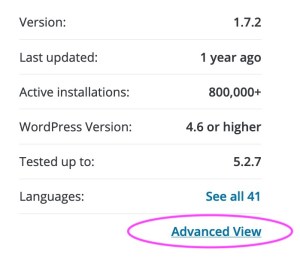
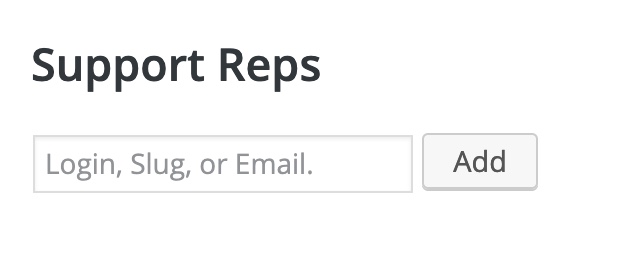
There are fields to add Support Reps and Committers as needed.
Owner
A plugin owner is automatically set by the person who submits the plugin. On plugin approval, they are added as a Committer (see below) and flagged as the owner. Should this need to be changed, scroll down to the Danger Zone section and select the new owner from the dropdown:
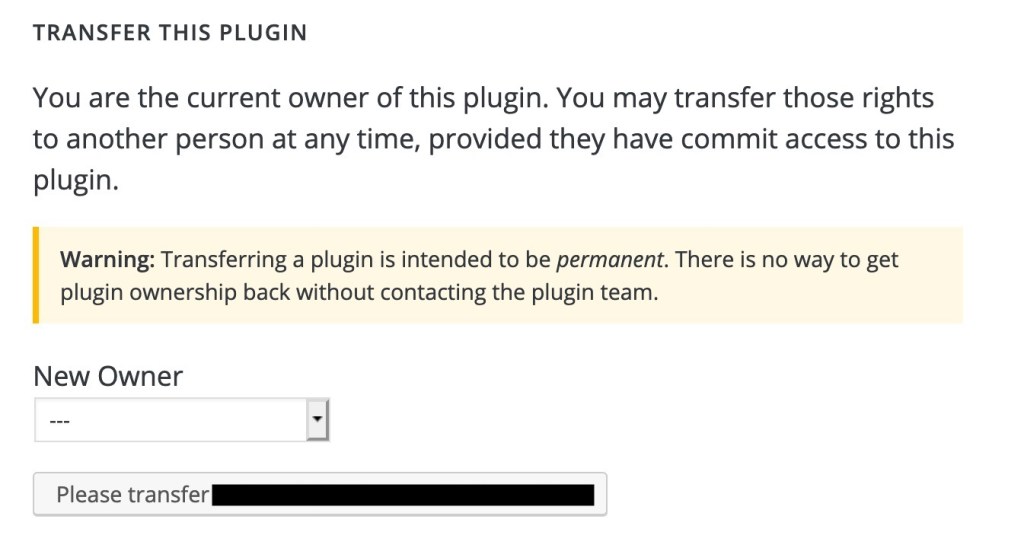
If there are no other users with commit access, you will need to grant them access before you can transfer the plugin. Remember, plugin owners should always have commit access to the plugins they own.
If you see this message, then you are not the current owner, and need to contact them to have ownership transferred:
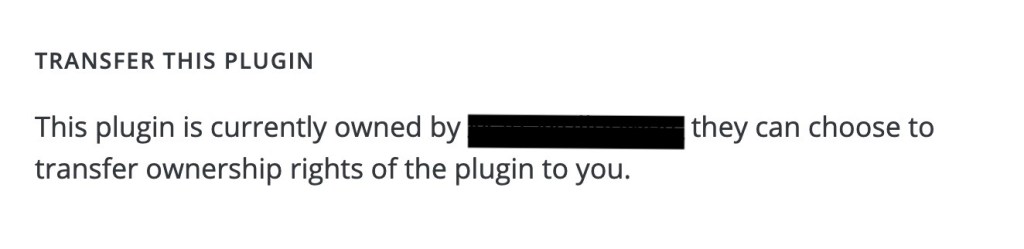
If the original owner is no longer available, you may contact the plugins team for assistance.
Committer
Someone with commit access has the ability to push code via SVN and make official requests concerning a plugin to the Plugin Directory Team.
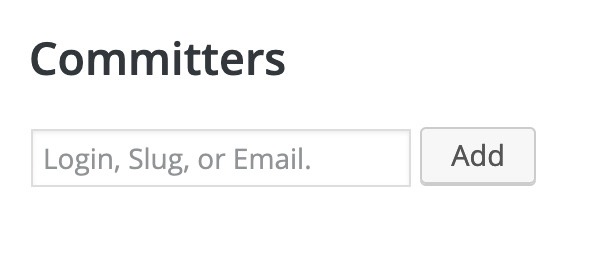
Anyone with commit access has the right to request a plugin be closed, and has the ability to add and remove anyone from commit access. This is done from the Advanced Page on the sidebar:
In the forums, these people are labeled as a “Plugin Author” and have the ability to mark posts regarding their plugin as resolved.
Other than the “Plugin Author” label in the forum for replies to plugin support topics, having commit access is not outwardly displayed. In order to be listed in the plugin’s “Contributors & Developers” section, and to have the plugin included in a WordPress.org profile, the user must be listed as a contributor (see the subsequent section).
Adding and removing commit access can only be done by an existing committer.
Support Rep
A support rep has no extra ability to directly manage the plugin itself. They cannot request changes be made to a plugin’s status in the directory. However, they will be labeled in the forums as being official support and this can help people understand who is helping them.
In the forums, they are labeled as a “Plugin Support” and have the ability to mark posts regarding their plugin as resolved.
They are displayed on the plugin page, and the plugin appears on their profile page as a Support Representative.
Adding and removing this status can only be done by an existing committer.
Contributor
A contributor has no extra ability to directly manage the plugin itself. They cannot request changes be made to a plugin’s status in the directory.
In the forums, they are labeled as a “Plugin Contributor” and have the ability to mark posts regarding their plugin as resolved.
A contributor is publicly listed in the plugin’s “Contributors & Developers” section and the plugin is listed as one of the user’s plugins in their WordPress.org profile.
To be added as a contributor, a user must be listed within Contributors in the plugin’s readme.txt.
While it is common to add people who helped with a plugin’s conceptualization or was an original contributor, you do not need to add anyone to your plugin with more access than you’re comfortable with.