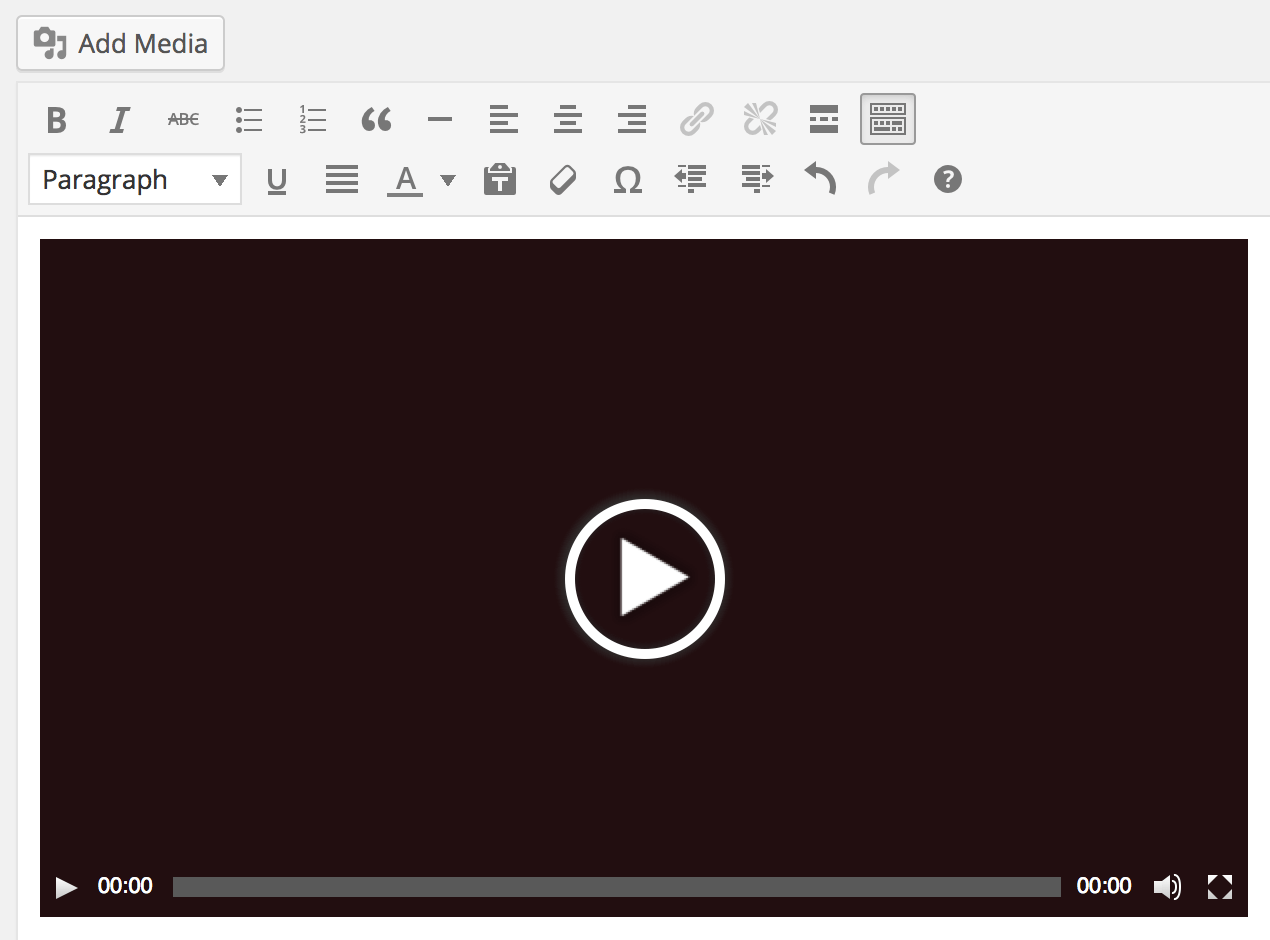
TinyMCE 增强短代码
概述
本文档介绍了如何在 TinyMCE 可视化编辑器中解析短代码,使其渲染实际内容而非短代码本身,并切换至文本标签可查看原始短代码。
关键要点
- 在 TinyMCE 可视化编辑器中,短代码可被解析并显示为实际内容,而非原始代码。
- 切换到文本标签可重新查看和编辑原始短代码。
- WordPress 内置了多个使用此功能的短代码,包括音频、标题、画廊、播放列表和视频短代码。
内置短代码说明
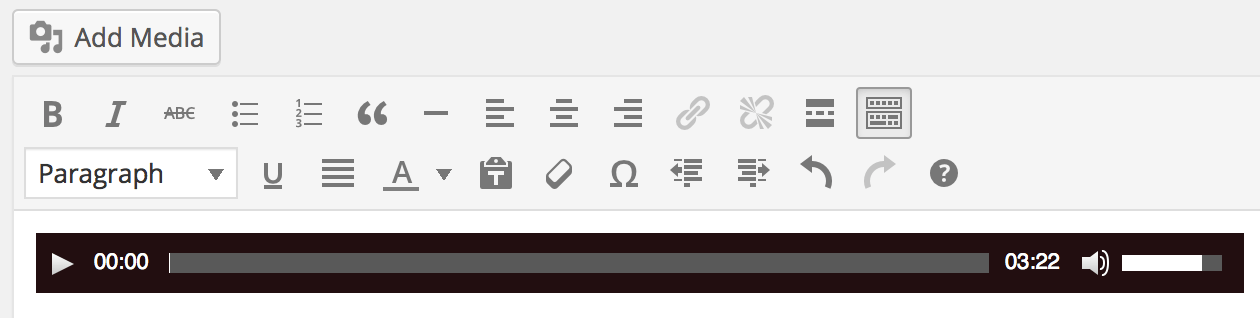
- [audio] 短代码:用于嵌入单个音频文件。
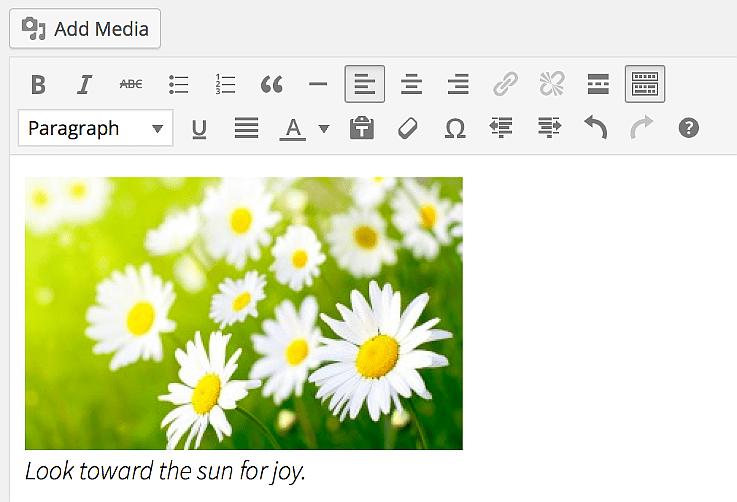
- [caption] 短代码:将图像包裹在 div 中,并在标题周围添加 <p class="wp-caption-text"> 标签。
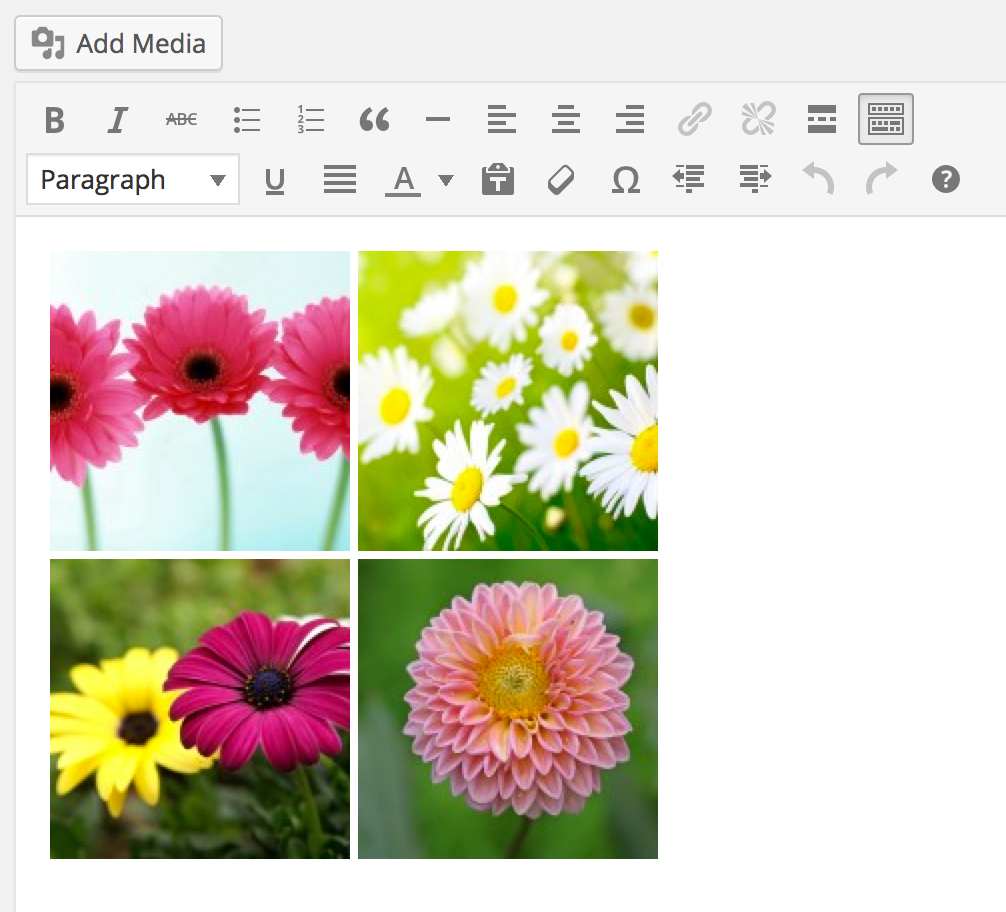
- [gallery] 短代码:用于在 div 中一次性嵌入多张图像。
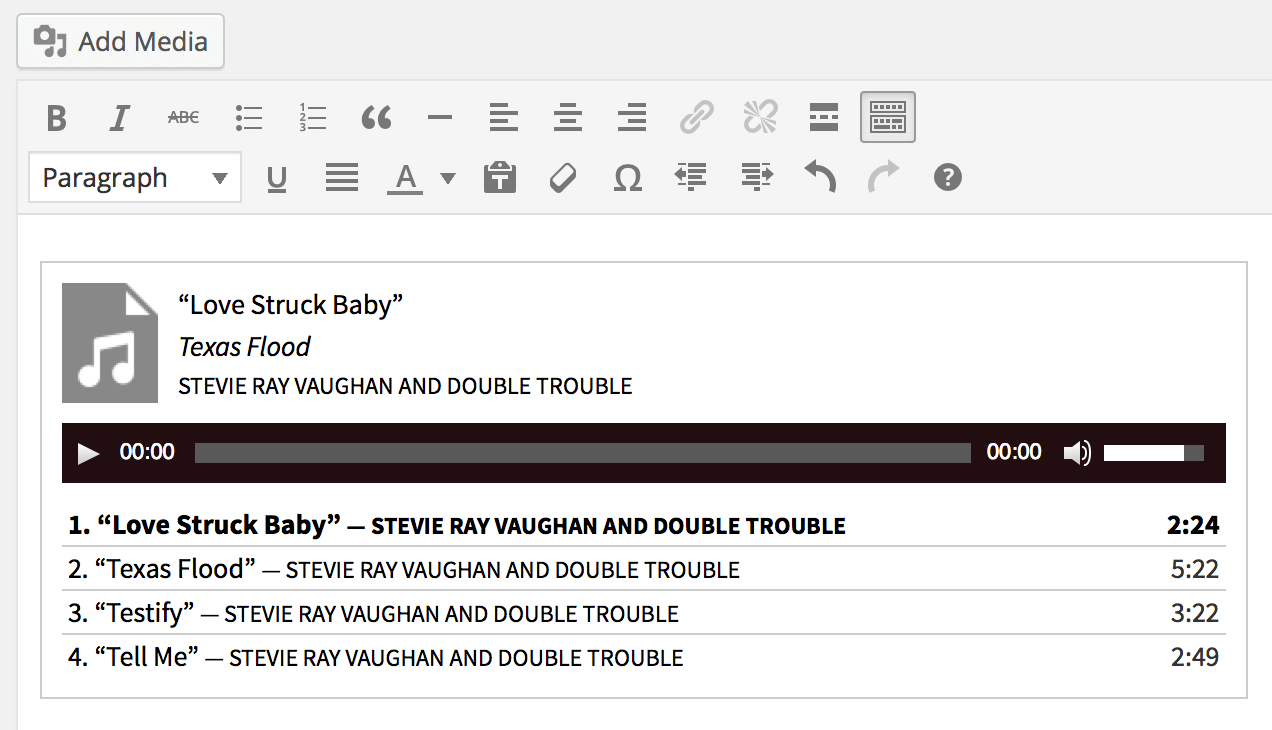
- [playlist] 短代码:允许附加多个媒体文件,并以 HTML5 播放列表形式渲染。
- [video] 短代码:与 [audio] 短代码类似,但渲染视频而非音频。
It’s possible to parse shortcodes within the visual editor of TinyMCE and make them render actual content, rather than the shortcode itself.
Switching to the Text tab allows you to see the actual shortcode again.
Below are the built-in WordPress shortcodes that use this functionality.
Audio Shortcode
The shortcode allows you to embed a single audio file.
Caption Shortcode
The shortcode wraps the image in a div and puts a <p class="wp-caption-text"> tag around the caption.
Gallery Shortcode
The shortcode allows you to embed several images at once in a div.
Playlist Shortcode
The shortcode allows you to attach more than one media file and render with an html5 playlist.
Video Shortcode
The shortcode is very similar to the shortcode; it simply renders a video instead of audio.